 Loading Please Wait...
Loading Please Wait...
Loading Please Wait...
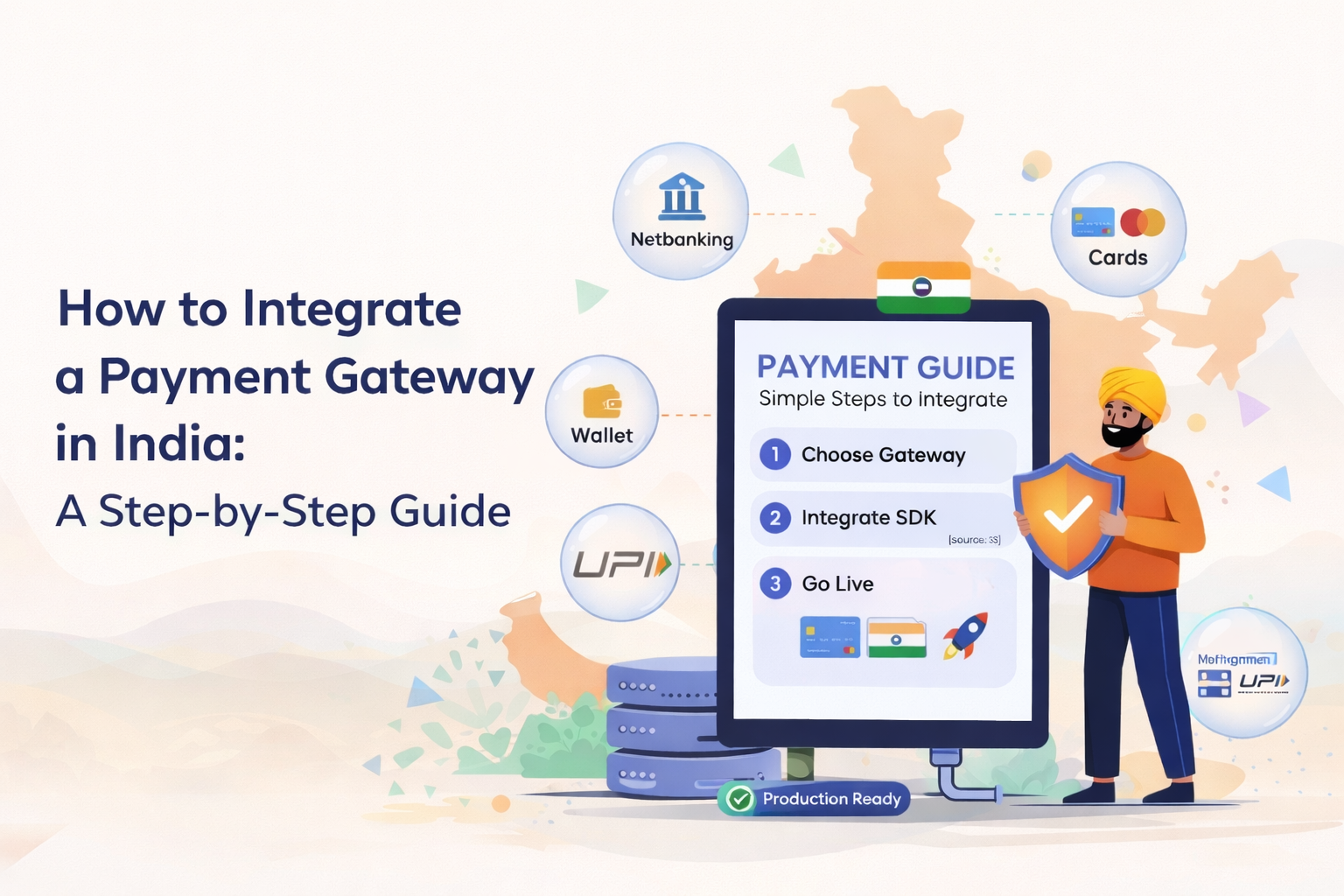
You’ve built the product. The design is clean, the features work, and the backend handles everything it needs to. Then the question hits—how do users actually pay?
In India in 2026, it’s mostly straightforward. Razorpay, PayU, and Cashfree have made payment gateway integration accessible to any developer who can read a REST API. What goes wrong isn’t usually the integration itself — it’s the corners people cut. A missed verification step, no webhook handler, and real transactions start falling through with no way to recover them.
This guide walks you through a production-ready integration using Razorpay with Node.js and React. The same logic applies to Flutter and Laravel; the steps are just expressed differently.
India’s payment ecosystem is unique. UPI, net banking, wallets, EMI, and cards all coexist — and your gateway needs to handle the full mix.
The four options most developers use:
For a React and Node.js stack, start with Razorpay. You’ll reach a working test transaction faster than with any other option.
Jumping into code without the basics in place wastes time. Get these done first.
What you need before you begin:
Security built in from the start is always cheaper than security bolted on after something goes wrong.
Every Razorpay payment starts with an Order object your backend creates. That Order locks in the amount and currency before the frontend is involved — meaning no one can tamper with the price in the browser.
Install the SDK with npm install razorpay, initialise it with your environment variables, then create a POST endpoint at /create-order that takes the amount and calls razorpay.orders.create() with the options object.
The detail that catches most developers: Razorpay accepts amounts in paise, not rupees. ₹499 becomes 49900. The endpoint returns an order ID — that’s what gets passed to the React checkout.
Backend order created. Now the frontend needs to load the Razorpay checkout and hand control over to the payment modal when the user clicks pay.
How it works on the React side:
The handler fires on authorization. Authorization is not the same as confirmed payment. The signature verification step is what closes that gap.
Most tutorials skip this. It’s the most important security step in the entire integration.
Razorpay signs every payment response with HMAC SHA256 using your Key Secret. Your server generates the same hash and compares. Match means real — mismatch means something is wrong.
The logic:
Never mark an order paid from the frontend. Only from here.
Everything above covers the happy path. Webhooks cover everything else — dropped connections, closed tabs, network timeouts, and the other real-world scenarios that happen every day in production.
In Razorpay Dashboard → Settings → Webhooks, point to your endpoint and subscribe to payment.captured, payment.failed, and order.paid.
What a solid webhook handler does:
Together they leave no gaps. On their own, either one does.
Razorpay test mode covers everything — dummy cards, test UPI IDs, simulated wallet flows. Card number 4111 1111 1111 1111, any future expiry, any CVV, OTP 1234 gives you a successful payment.
Don’t just test the happy path. Test a failed payment, a late webhook, and a closed tab mid-checkout. If your integration handles all three cleanly, it’s ready.
The difference between a quick integration and a reliable one is a few hours of work. Signature verification, webhook handling, and edge case coverage aren’t advanced topics — they’re what production-grade integration actually looks like.If your business needs a payment-integrated app or platform built on React, Node.js, or Flutter, get in touch with AllUpNext. We’ve been delivering production software for businesses across India and Australia for over 13 years.